Installation
Once you've downloaded sdinstaller.exe you can run the file to start the install by double clicking it.
These days Windows works very hard to protect you from viruses. If you encounter a warning simply dismiss it and proceed.
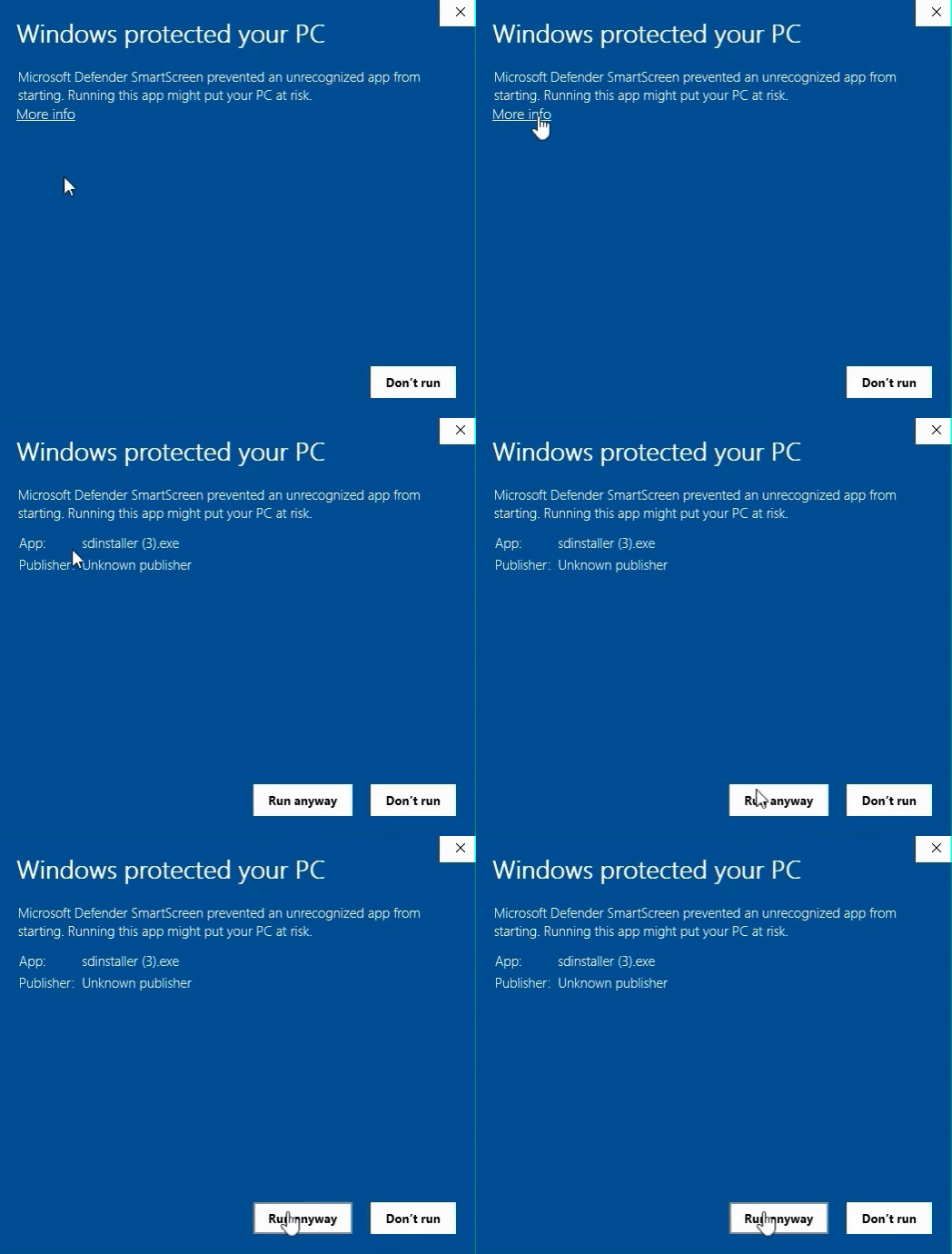
Continue through the install process choosing all defaults. We recommend installing ServiceDesk to C:\sd\ (the default location).
Shortcut icon
Most likely you'll want a shortcut icon on your desktop for easy access. No problem!
Navigate to C:\sd\ and find the ServDesk.exe file (this is the main app!). Right click on it and select Create shortcut. Now you can drag or copy that shortcut to wherever you like on your computer. Most people choose to place it on the desktop.
Installing on new computers in the future
If you’re like most users, you’ll likely add a new computer or replace an existing one from time to time. You can either find the email with the download link, save the install file, or contact our support team.
If you install ServiceDesk in the future with an old install link, you may find the app is out of date. Simply follow the prompts to update or contact our team for help.