MerchantTrack guide
MerchantTrack is a reporting tool you can use to see lots of great detail about your RosswarePay activity. You can access MerchantTrack from within the Rossware Dashboard.
While there is a virtual terminal which can process transactions from within MerchantTrack, any transactions processed there won't be recorded in ServiceDesk. We don't recommend using this option.
Dashboard
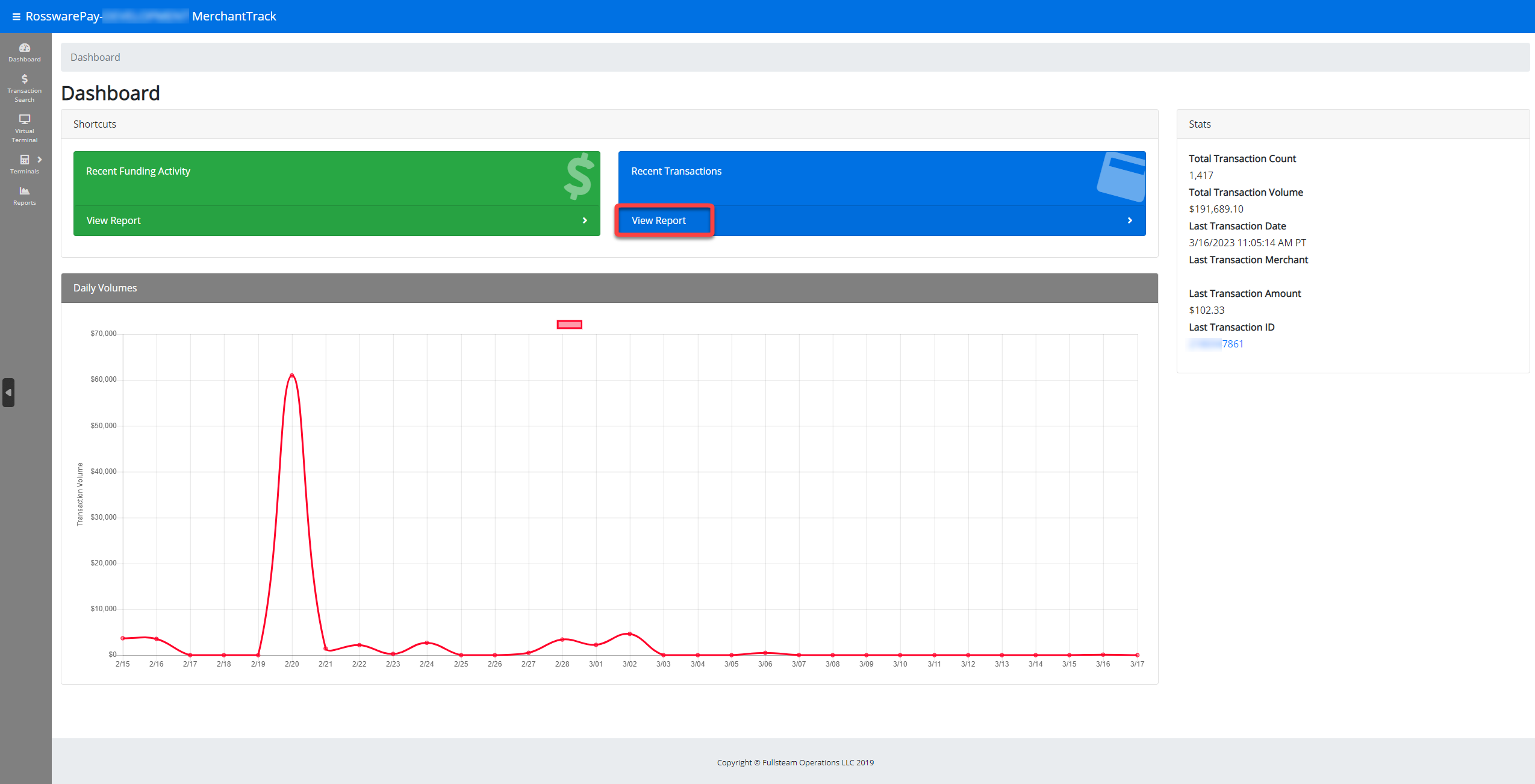
This is the MerchantTrack dashboard. This will be the first page displayed when you access MerchantTrack. From here you can navigate to other display contexts.
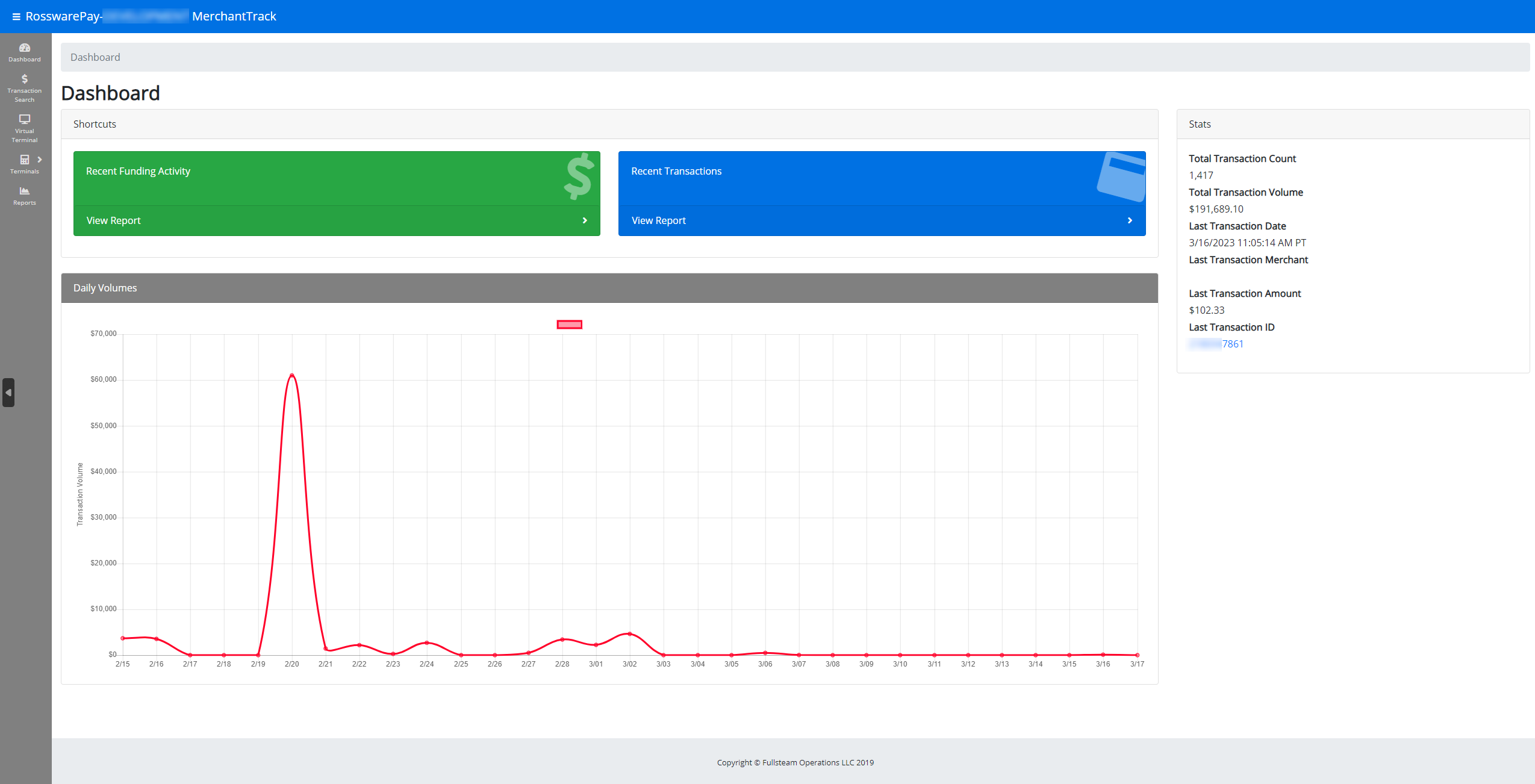
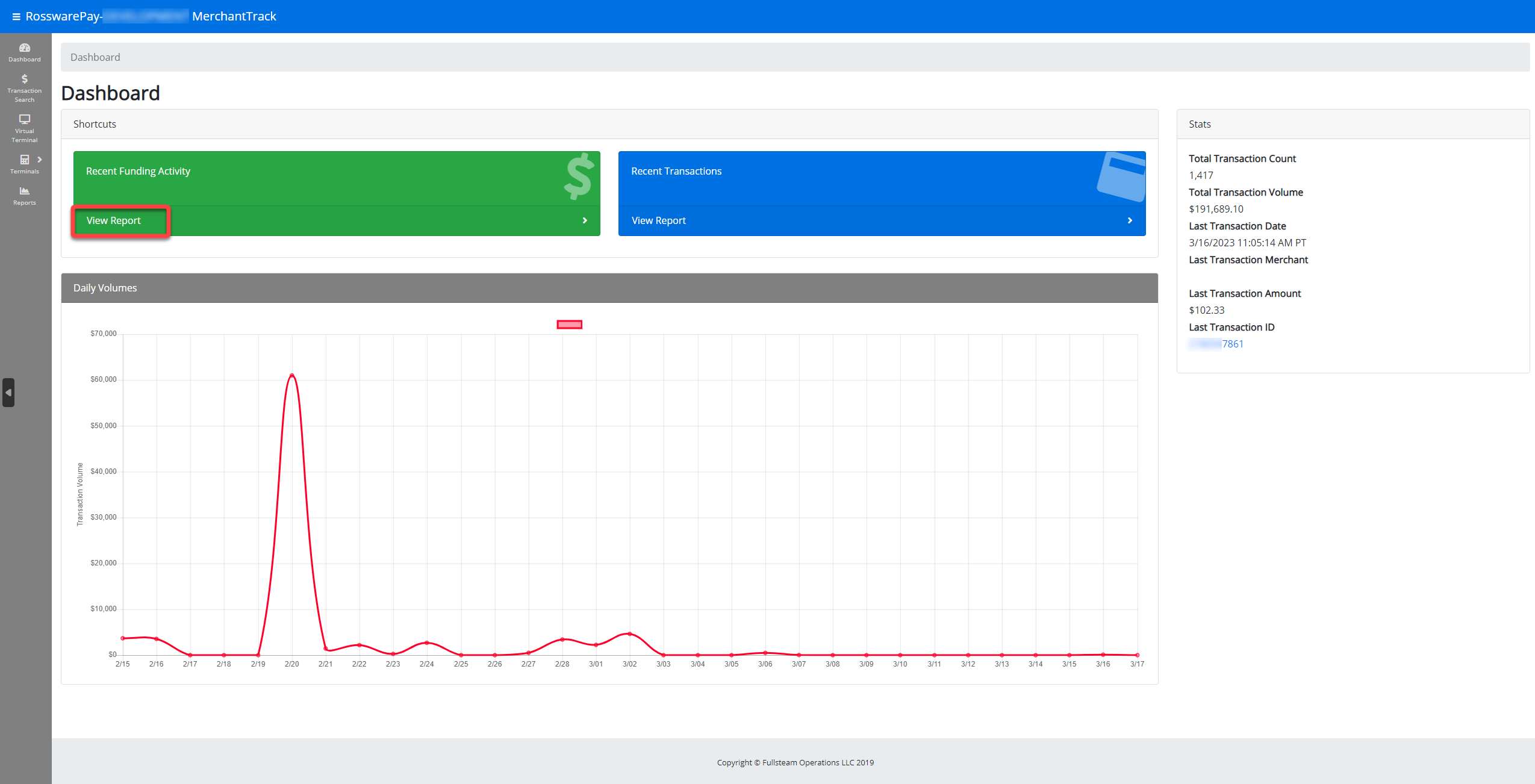
View recent funding activity
For further detail on recent fundings, you can click on View Report under Recent Funding Activity. Here you can review all related fees for the funding ID.
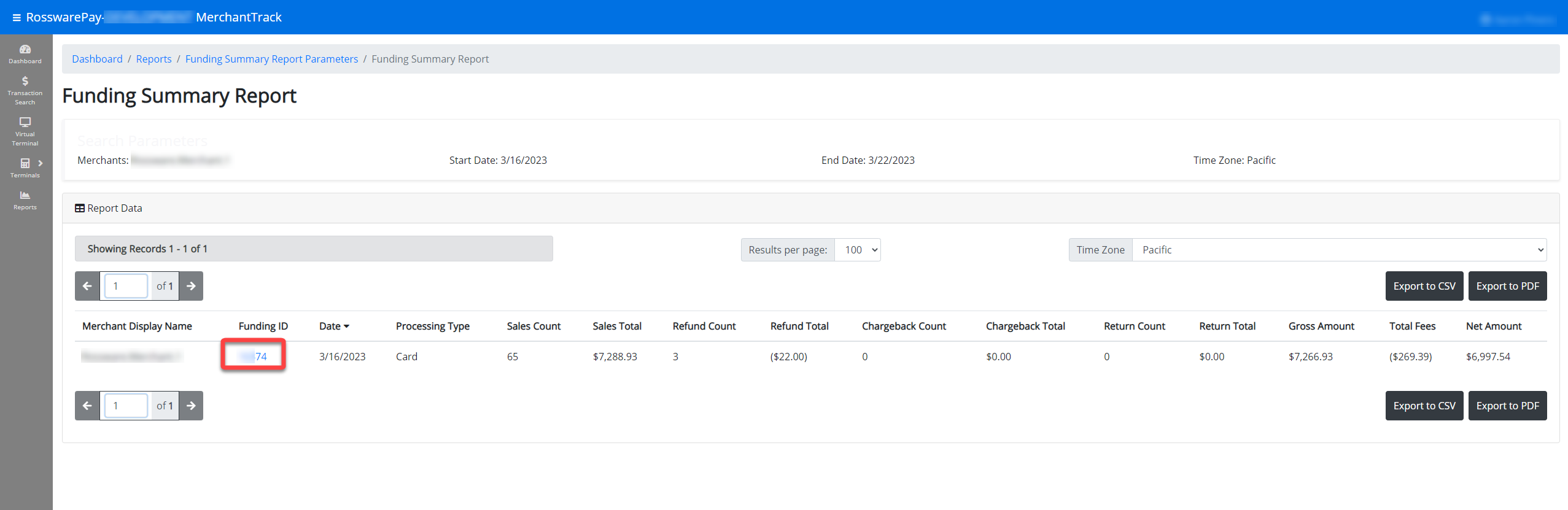
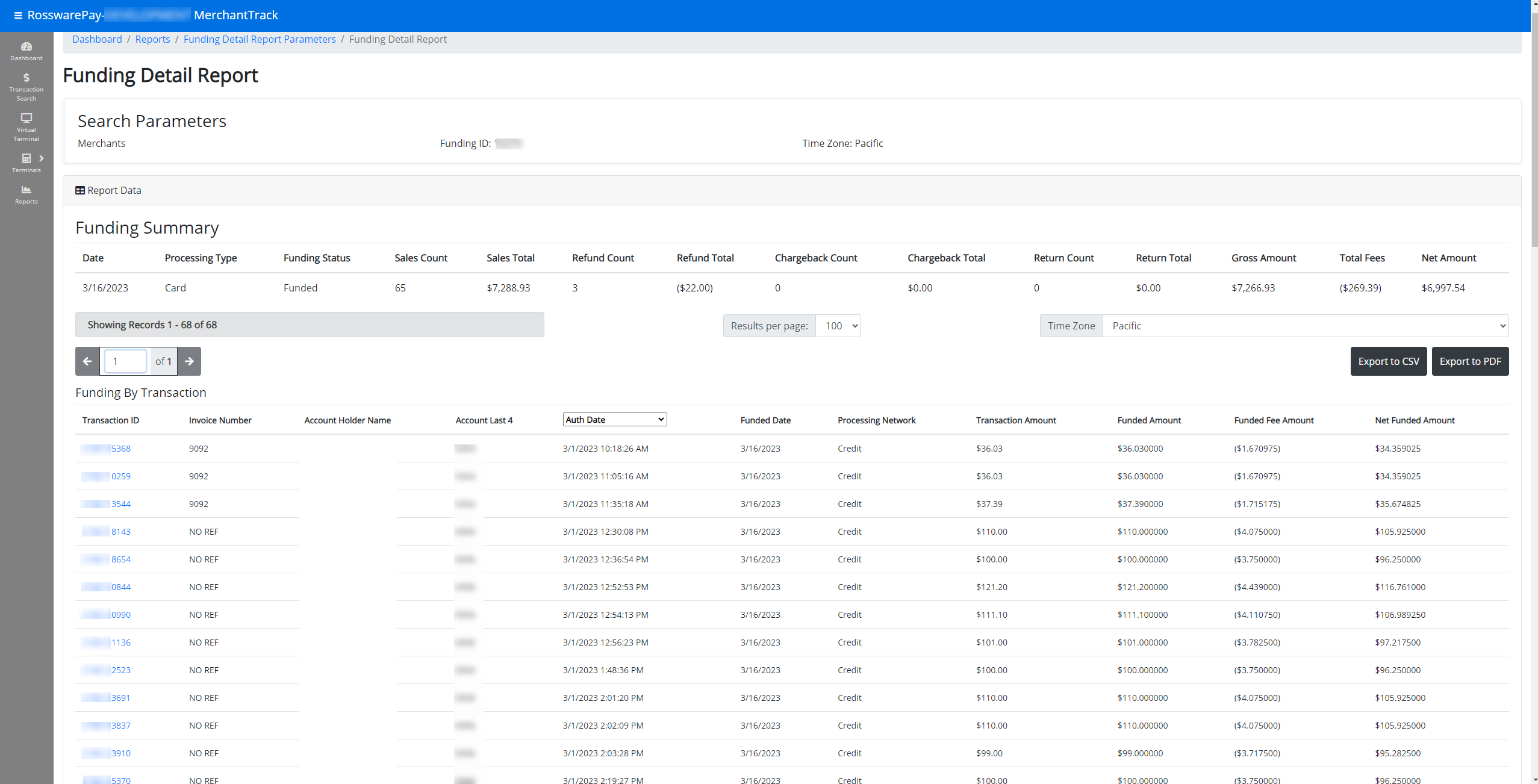
View recent transactions
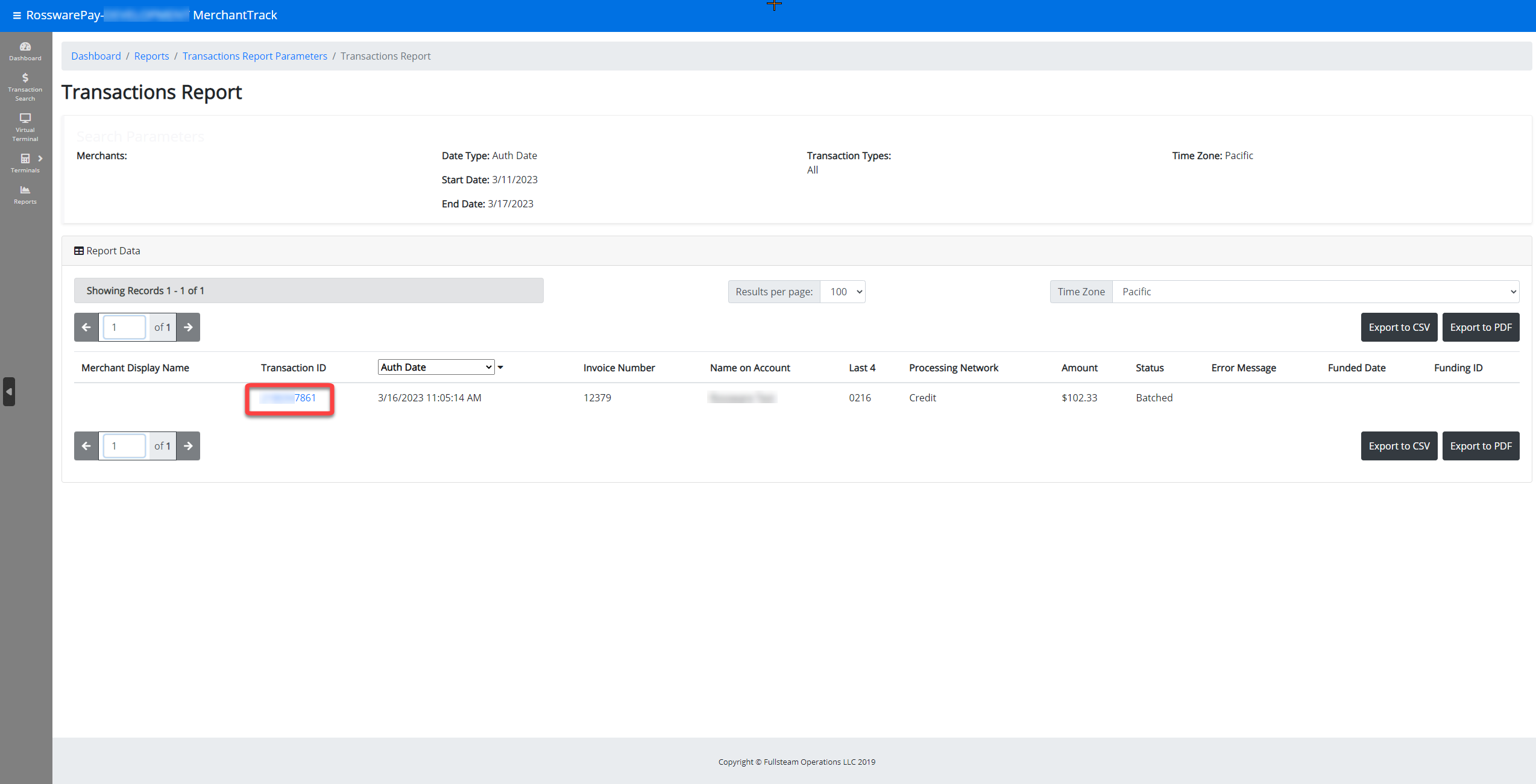
You can quickly see an overview of transactions. For further detail, you can click on View Report under Recent Transactions. By default, this will load all transactions completed within the last seven days.
Transaction search
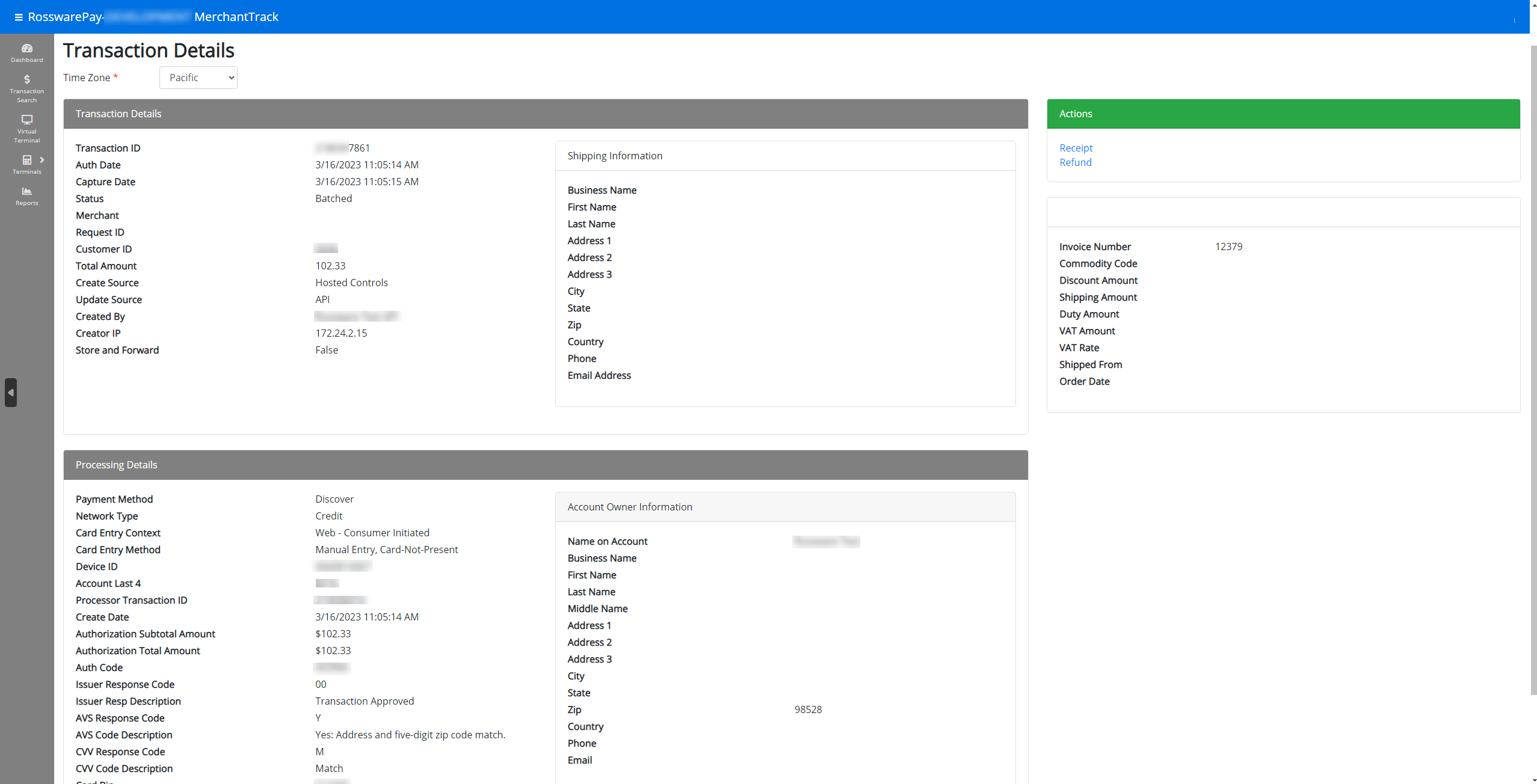
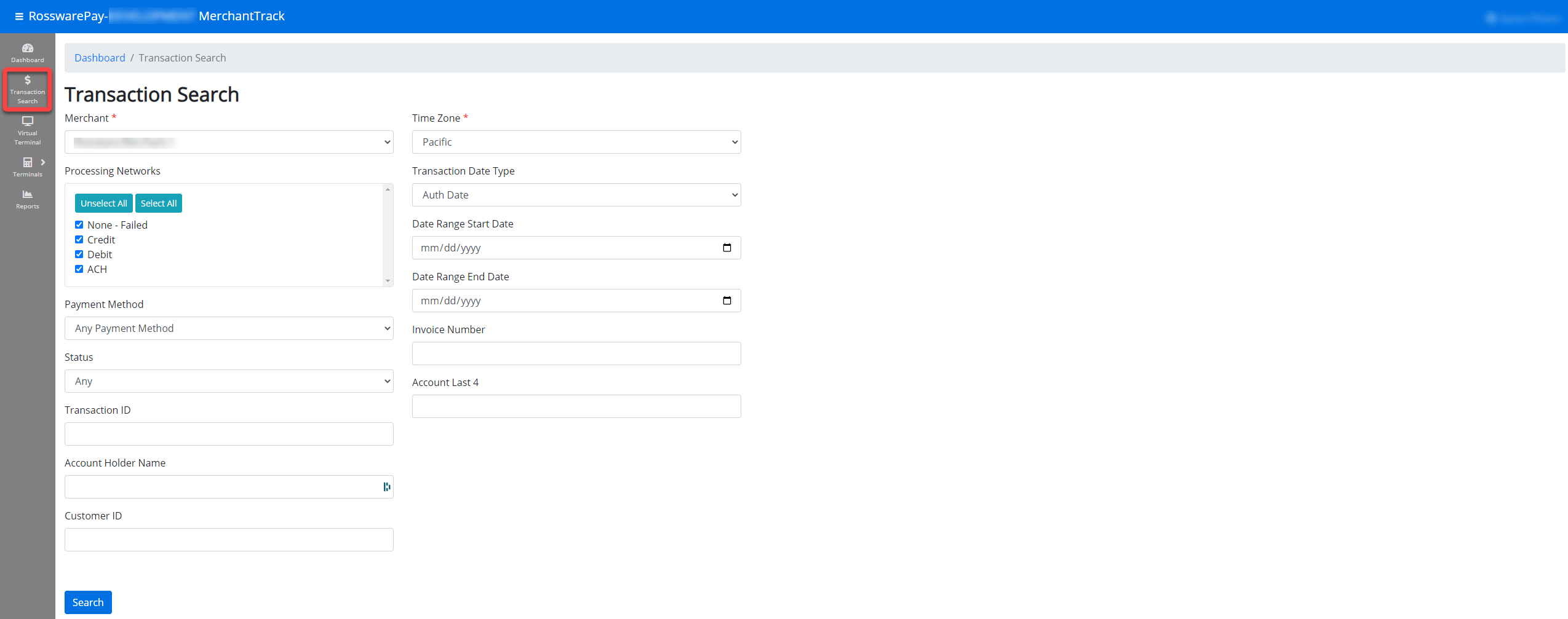
Within the Transaction search, you can input search guidelines and find transactions. When looking at a transaction, you can click on the Transaction ID, highlighted in blue, to view the transaction details.
Reporting
Under Reports, you'll see a list of various reports for your merchant transactions.
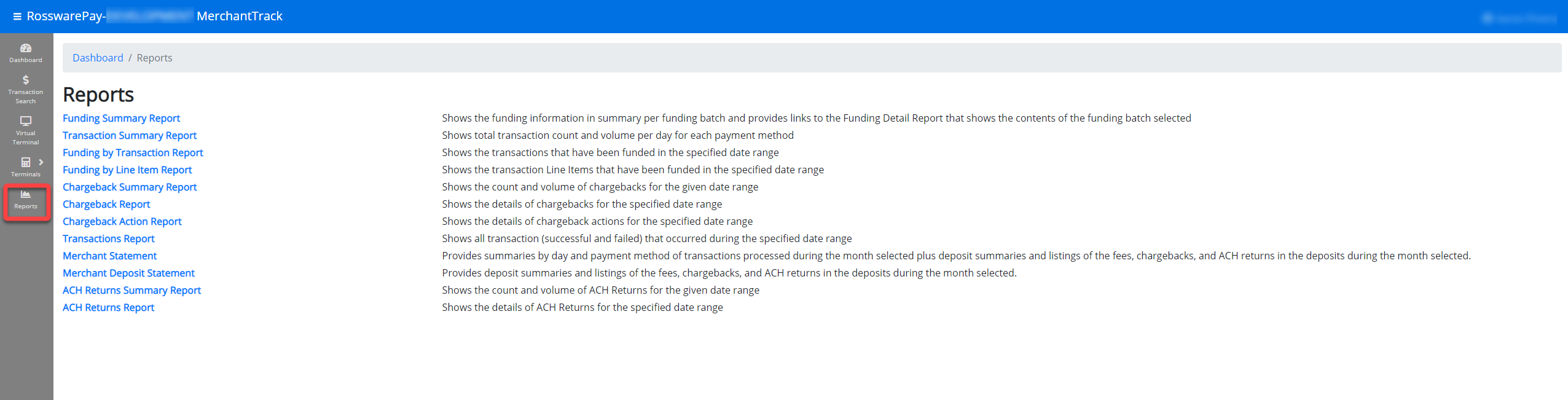
Here is a brief overview of each report.
- Funding Summary Report
- Shows the funding information in summary per funding batch and provides links to the Funding Detail Report that shows the contents of the funding batch selected.
- Transaction Summary Report
- Shows total transaction count and volume per day for each payment method.
- Funding by Transaction Report
- Shows the transactions that have been funded in the specified date range.
- Funding by Line Item Report
- Shows the transaction line items that have been funded in the specified date range.
- Chargeback Summary Report
- Shows the count and volume of chargebacks for the given date range.
- Chargeback Report
- Shows the details of chargebacks for the specified date range.
- Chargeback Action Report
- Shows the details of chargeback actions for the specified date range.
- Transactions Report
- Shows all transaction (successful and failed) that occurred during the specified date range.
- Merchant Statement
- Provides summaries by day and payment method of transactions processed during the month selected plus deposit summaries and listings of the fees, chargebacks, and ACH returns in the deposits during the month selected.
- Merchant Deposit Statement
- Provides deposit summaries and listings of the fees, chargebacks, and ACH returns in the deposits during the month selected.
- ACH Returns Summary Report
- Shows the count and volume of ACH Returns for the given date range.
- ACH Returns Report
- Shows the details of ACH Returns for the specified date range.